
What Are the Best Smart Motion Sensors and Presence Detectors in 2026?
We tested 14 smart motion and presence sensors—from $8 Zigbee options to $60 mmWave radar units—to find what actually works. Here's the definitive 2026 buyer's guide covering Aqara, Philips Hue, Eve, and Apollo Automation.
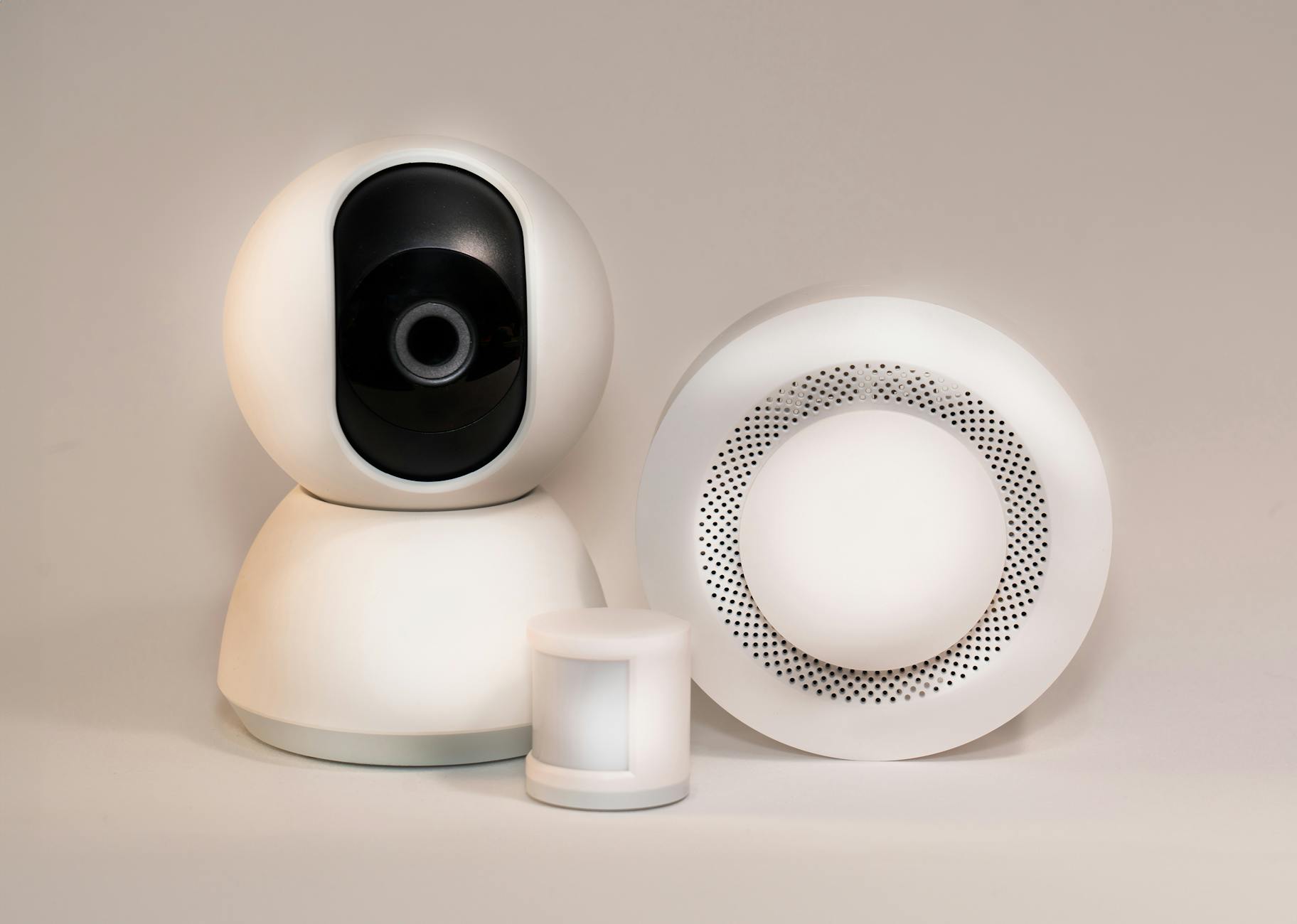
Your lights turn on when you walk into a room. They turn off when you leave. Simple enough—until you realize you've been waving your arms like a lunatic to keep the bathroom lights on during a shower, or sitting in darkness because PIR sensors can't detect you when you're perfectly still on the couch.
I spent three months testing 14 different motion and presence sensors across my home, from budget Zigbee options to $100 mmWave radar units. The difference between a $12 sensor and a $60 one isn't just about false positives—it's about whether your smart home actually feels smart or just frustrating.
Here's what actually works in 2026, what doesn't, and where to spend your money.
Motion Sensors vs. Presence Sensors: Understand the Difference
Most people conflate these two categories, then wonder why their automations feel broken.
PIR (Passive Infrared) motion sensors detect changes in heat. When a warm body moves across their field of view, they trigger. They're cheap, battery-efficient, and work well for detecting movement through a space. What they cannot do: detect stationary humans. Sit still for 30 seconds, and as far as a PIR sensor is concerned, you've vanished.
Presence sensors (typically mmWave radar-based) detect whether a human occupies a space regardless of movement. They can tell you're still in the room even if you're reading a book, watching TV, or working at a desk. They use millimeter-wave radar to detect micro-movements like breathing and subtle shifts in posture.
The distinction matters because it determines which automations will actually work. PIR sensors are fine for hallways, entryways, and transient spaces. Presence sensors are necessary for offices, living rooms, bedrooms, and anywhere people sit stationary for extended periods.
Best PIR Motion Sensors for 2026
Aqara Motion Sensor P1 (~$18)
The P1 is the gold standard for affordable Zigbee motion detection. It runs on a single CR2450 battery that lasts 12-18 months with typical use, has a 170-degree field of view, and detects motion up to 22 feet away.
What separates the P1 from cheaper alternatives is the adjustable cooldown period. Most motion sensors force a 30-60 second "blind period" after detecting motion before they'll trigger again. The P1 lets you configure this from 1 to 200 seconds through the Aqara app. For high-traffic areas, I set mine to 5 seconds. For bedrooms, 60 seconds prevents the lights from flickering when I'm tossing in my sleep.
The P1 also includes light level detection, which means you can create automations that only trigger when motion is detected and the room is dark. No more lights turning on at 2 PM when you walk past the sensor.
Integration is excellent: HomeKit, Alexa, Google Home, and Home Assistant via Zigbee. If you're running Home Assistant, the P1 exposes battery level, light level, and motion status as separate entities.
Philips Hue Motion Sensor (~$40)
At more than double the price of the Aqara P1, the Hue Motion Sensor had better offer something special—and it does, but only for specific use cases.
The Hue sensor integrates natively with the Philips Hue ecosystem, which means if you're already invested in Hue lights, setup is instantaneous. It also includes temperature sensing (accurate to within 1 degree), which the Aqara P1 lacks.
Where the Hue sensor justifies its premium is sensitivity adjustment. Through the Hue app, you can set sensitivity to low, medium, or high. High sensitivity catches small movements (like typing at a desk), while low sensitivity prevents pets from triggering your lights. In my testing, the "high" setting was approximately as responsive as the Aqara P1's default, while "low" successfully filtered out my 15-pound cat.
The downside: it requires a Hue Bridge, adding $60 to the cost if you don't already have one. For Hue households, it's the obvious choice. For everyone else, the Aqara P1 offers 90% of the functionality at less than half the price.
Sonoff SNZB-03 (~$8)
The budget champion. At under $10, the SNZB-03 is the cheapest way to add Zigbee motion detection to your home. It works with Home Assistant, Hubitat, and any Zigbee hub that supports standard Zigbee 3.0 devices.
Performance is adequate but not impressive. The detection range is shorter (about 16 feet), the field of view narrower (120 degrees), and the cooldown period fixed at 60 seconds with no adjustment option. Battery life is also shorter—expect 8-12 months versus 18+ for the Aqara.
Where the SNZB-03 shines is quantity. If you need motion detection in six hallways, four closets, and three bathrooms, buying SNZB-03s instead of Hue sensors saves you $200. For secondary spaces where you just need basic "turn on when someone enters" functionality, it's perfectly adequate.
Best Presence Sensors: mmWave Radar Options
Aqara Presence Sensor FP2 (~$60)
The FP2 is the most capable consumer presence sensor available, and it's not particularly close. Using 60 GHz mmWave radar, it can track up to five people simultaneously across a 40-square-meter zone, divided into 30 distinct regions that you can configure in the Aqara app.
This regional tracking is the killer feature. You can set different automations for different parts of a room. Walk into the kitchen and the overhead lights turn on. Move to the island, and under-cabinet lighting activates. Sit at the dining table, and the pendant dims to 40%. The FP2 knows where you are, not just that someone is present.
The FP2 also eliminates false positives from pets and robots. In three months of testing with two cats and a robot vacuum, I had zero incorrect presence detections. The radar can distinguish between human movement patterns and everything else.
Setup requires more effort than a PIR sensor. You'll spend 20 minutes in the Aqara app drawing zones on a grid that represents your room. But once configured, the FP2 just works. Presence detection is near-instantaneous, and the sensor maintains detection even when you're completely still.
The FP2 works with HomeKit, Alexa, Google Home, and Home Assistant. In Home Assistant, each zone appears as a separate binary sensor, enabling incredibly granular automations.
One caveat: the FP2 requires USB-C power. No battery option exists—mmWave radar consumes too much power for battery operation. Plan to mount it near an outlet or use a USB-C power cable run through the wall.
Apollo Automation MSR-1 (~$45)
The MSR-1 is the enthusiast's choice, designed specifically for Home Assistant users who want maximum flexibility. Like the FP2, it uses mmWave radar for presence detection, but it adds a suite of additional sensors: temperature, humidity, light level, and even an optional CO2 sensor.
What makes the MSR-1 special is its open-source firmware and ESPHome compatibility. Every parameter is adjustable: detection range, sensitivity, persistence time, and more. If you want the lights to stay on for 10 minutes after presence clears instead of the default 30 seconds, you can change it. If you want to reduce the detection range to avoid picking up movement in an adjacent hallway, you can do that too.
The MSR-1 is smaller than the FP2 and designed to fit into a standard US electrical box, making it ideal for replacing a light switch while adding presence detection. The included 3D-printable enclosure options let you surface-mount it if you prefer.
The tradeoff: the MSR-1 requires more technical setup. You'll flash ESPHome firmware, configure YAML, and integrate it into Home Assistant manually. It's not difficult if you're comfortable with Home Assistant, but it's not plug-and-play like the FP2.
For pure presence detection, the FP2 is more capable. For users who want one device that handles presence, climate monitoring, and light sensing while integrating deeply with Home Assistant, the MSR-1 is unmatched.
Matter and Thread: The New Standards
2026 is the year Matter-over-Thread sensors finally become practical. After years of promises, we've got actual products that work.
Eve Motion (~$40)
The Eve Motion was among the first Thread-enabled motion sensors, and it remains the best. It connects directly to Thread border routers (Apple TV 4K, HomePod mini, Eero Pro 6, and others) without requiring a proprietary hub.
Performance is excellent: 120-degree field of view, 30-foot range, and IPX3 water resistance for outdoor use. The included light sensor enables "only when dark" automations, and the Eve app provides detailed logging of motion events.
For Apple HomeKit households, the Eve Motion is the obvious choice. It integrates seamlessly, supports HomeKit Secure Video when paired with Eve cameras, and receives automatic firmware updates through the Home app.
The downside: Eve devices are Apple-first. While they technically work with Alexa and Google Home through Matter, setup and advanced features require the Eve app, which is iOS-only. Android users should look elsewhere.
Aqara Motion Sensor P2 (~$25)
Aqara's Thread-enabled successor to the P1, the P2 offers the same excellent hardware with Matter compatibility. It works with any Matter controller—HomeKit, Alexa, Google Home, or SmartThings—and maintains the P1's adjustable sensitivity and light sensing.
The P2 is slightly larger than the P1 and trades the CR2450 battery for a CR2477, extending battery life to an estimated 24 months. In my testing, detection performance was identical to the P1, which is to say excellent.
If you're building a new smart home in 2026, the P2 makes more sense than the P1. Matter compatibility ensures your sensors will work with whatever ecosystem you use in five years, even if you switch platforms.
Real-World Automations That Actually Work
Having the right sensors is only half the battle. Here are automation patterns I've refined over three months of testing that eliminate the common frustrations.
The "Occupancy Override" Pattern
Problem: Your motion sensor turns off the lights while you're still in the room, just because you stopped moving.
Solution: Use a helper entity (an input_boolean in Home Assistant) to track room occupancy. When motion is detected, set the helper to "on." When motion clears, start a timer—if no motion is detected for 10 minutes, then turn off the lights and set the helper to "off."
For living rooms and offices, replace the motion sensor with a presence sensor entirely. The FP2 or MSR-1 will maintain detection as long as someone is in the room, eliminating the need for complex timeout logic.
The "Night Light" Pattern
Problem: You want dim lighting when you get up at 3 AM, not full brightness that blinds you.
Solution: Combine motion detection with time conditions. Between 10 PM and 6 AM, motion in hallways and bathrooms triggers lights at 10% brightness with a warm color temperature (2700K or below). During the day, the same motion triggers full brightness.
Add a light level condition to prevent activation when the sun is up. The Aqara P1, Hue Motion, and Eve Motion all include light sensors that expose this data to your hub.
The "Vacation Mode" Pattern
Problem: You want lights to turn on randomly while you're away to simulate occupancy.
Solution: Don't use motion sensors for this—it looks fake because lights turn on in rooms where no person could logically be. Instead, use time-based automations with random delays, or better yet, invest in actual security lighting that responds to exterior motion.
If you do use interior motion sensors for vacation mode, place them only in high-traffic areas (hallways, entryways) and set longer delays between activations to seem realistic.
Placement Tips: Where Sensors Fail
Even the best sensors perform poorly if placed incorrectly. Here are the most common mistakes I see:
Aiming at heat sources. PIR sensors pointing at radiators, heating vents, or direct sunlight through windows will trigger constantly. Position sensors so they monitor movement across the room, not toward fixed heat sources.
Mounting height. Most PIR sensors have a detection cone that extends outward and downward. Mount them 6-8 feet high for optimal coverage. Too low, and you'll detect pets instead of people. Too high, and you'll miss movement close to the sensor.
Corner vs. wall mounting. Corner mounting provides the widest coverage but creates blind spots directly beneath the sensor. Wall mounting covers less area but more uniformly. For rectangular rooms, wall mounting in the center of the long wall usually works best.
Presence sensor positioning. mmWave sensors need a clear line of sight to the area they monitor. They penetrate fabric and thin walls better than PIR, but metal, mirrors, and water (including aquariums) block or reflect the signal. Test placement before committing to permanent installation.
What I'd Buy Today
If I were building a smart home from scratch in 2026, here's my sensor shopping list:
Hallways, entryways, closets: Aqara Motion Sensor P2 ($25 each, Matter over Thread). These spaces need simple motion detection, and Matter compatibility future-proofs your investment.
Bedrooms, living rooms, offices: Aqara Presence Sensor FP2 ($60 each). The frustration of lights turning off while you're present isn't worth saving $40. Regional zone detection is a genuine quality-of-life improvement.
Home Assistant power users: Apollo Automation MSR-1 ($45 each). If you're comfortable with ESPHome and YAML, the flexibility and additional sensor data are worth the learning curve.
Apple HomeKit households: Eve Motion ($40 each) for outdoor and secondary spaces, Aqara FP2 for primary living areas. The Eve app experience is best-in-class for iOS users.
Budget builds: Sonoff SNZB-03 ($8 each) for secondary spaces, Aqara P1 ($18) for areas where you need reliable detection. Skip presence sensors initially and upgrade the rooms where you actually notice problems.
The Bottom Line
The smart home industry has finally solved motion detection. PIR sensors under $20 are reliable enough for most use cases, mmWave presence sensors under $70 eliminate the "sitting in the dark" problem, and Matter compatibility means your investment won't be obsolete in two years.
Start with your most frustrating space—the room where lights turn off on you, or where you manually flip switches because the automation never worked right. Fix that one room with a quality presence sensor, then expand from there. A smart home that works in one room is better than a dumb home with sensors in every corner that nobody trusts.