The Best Smart Locks of 2026: Fingerprint, Keypad & WiFi Options Compared
Smart locks have evolved from novelty to essential home security. We compare the top fingerprint, keypad, and WiFi smart locks of 2026 including Eufy, Schlage, and Ultraloq to find the best option for your budget.
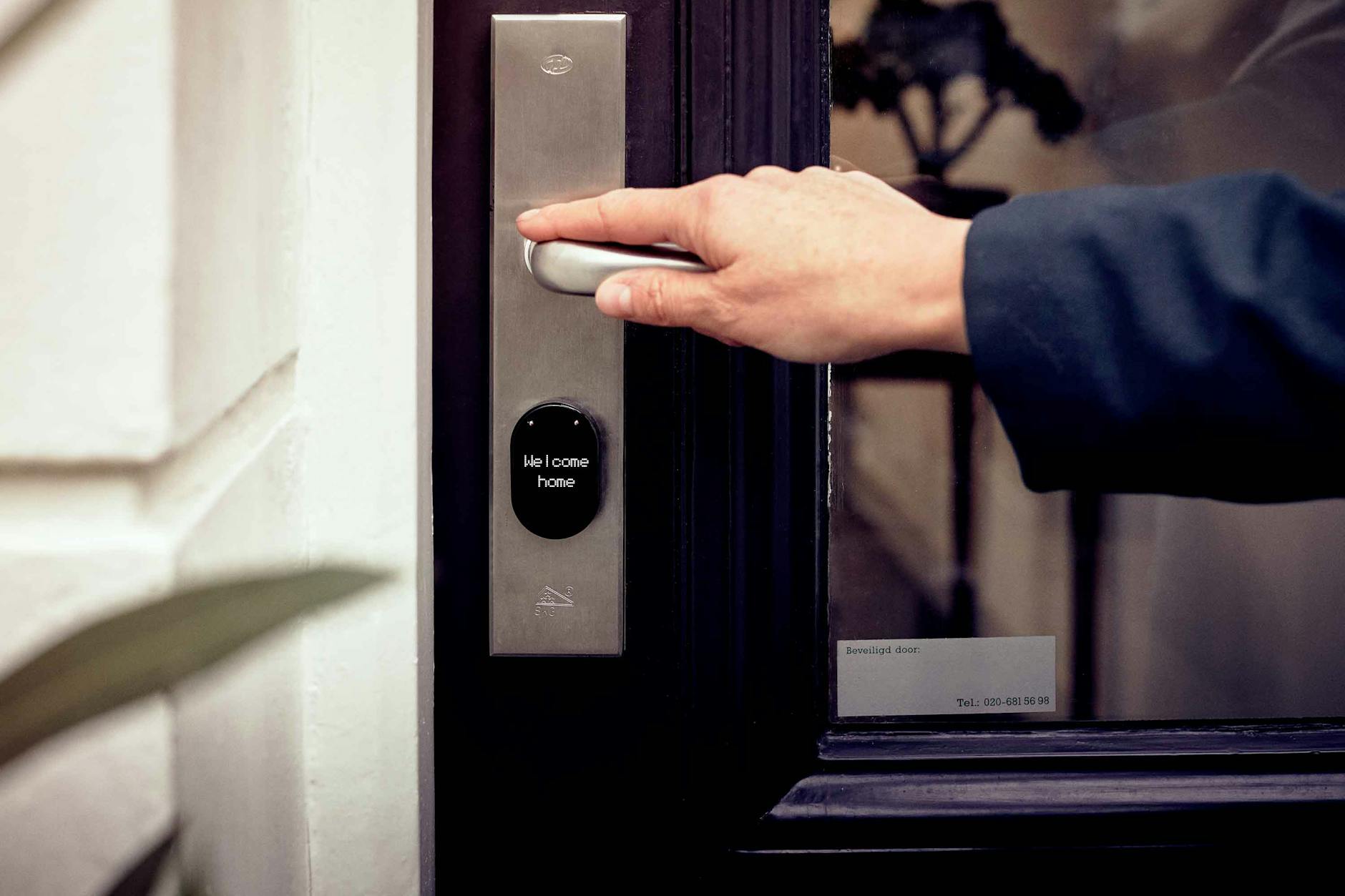
The days of fumbling for keys while your arms are full of groceries are officially over. Smart locks have evolved from a tech enthusiast's novelty into a practical home security essential that anyone can install in under 30 minutes.
After testing the top-rated models and analyzing hands-on reviews from PCMag, Bob Vila, and industry experts, I've identified the smart locks that actually deliver on their promises—and a few that don't. Whether you're looking for fingerprint access, keypad entry, or seamless smartphone control, this guide breaks down your best options for every budget.

Why 2026 Is the Year to Upgrade Your Door Lock
Smart locks have matured significantly. The frustrating connectivity issues that plagued early models have been solved. Battery life has improved from months to over a year. And most importantly, installation now requires nothing more than a screwdriver and a smartphone.
The real game-changer has been the introduction of Matter protocol support. In 2026, leading smart locks now work across Apple HomeKit, Google Home, and Amazon Alexa without compatibility headaches. This means your lock can trigger automations like "unlock the door and turn on the lights when I arrive home"—regardless of which ecosystem you prefer.
Security has also improved dramatically. Modern smart locks use bank-grade encryption (AES-128), automatic re-locking, and tamper alerts sent directly to your phone. Many models now include built-in alarms that trigger if someone tries to force the lock.
Top Smart Lock Picks for 2026
Best Overall: Eufy Smart Lock Touch ($249–$299)
If you want one smart lock that does everything well, the Eufy Smart Lock Touch is the standout choice. In hands-on testing by Bob Vila's team, it earned top marks for its intuitive setup and reliable performance across all access methods.
What sets the Eufy apart is its 5-in-1 access system: fingerprint scanner, touchscreen keypad, smartphone app, voice control via Alexa/Google, and a physical key backup. The fingerprint reader recognizes prints in under 0.3 seconds—fast enough that you won't even break stride approaching your door.
The built-in WiFi means no separate hub is required, and the Eufy app provides detailed access logs showing exactly who entered and when. One minor caveat: storm doors can sometimes trigger the night vision mode during daylight, but this doesn't affect functionality.
- Key Features: 0.3s fingerprint unlock, HD video doorbell integration, 1-year battery life
- Best For: Homeowners wanting premium features without premium complexity
- Price: $249–$299
Best Premium Pick: Schlage Encode Plus ($249–$299)
For Apple users specifically, the Schlage Encode Plus offers something special: native Apple Home Key support. This means you can unlock your door by simply tapping your iPhone or Apple Watch against the lock—no app opening required.
The Encode Plus has been the benchmark for smart lock security since its release, and it remains the top choice in PCMag's 2026 testing. Built-in WiFi eliminates the need for additional hubs, and the premium metal construction feels substantially more secure than plastic alternatives.
The keypad is backlit and responsive, with customizable access codes that can be permanent, temporary, or recurring (perfect for dog walkers or cleaning services). Battery life averages 10-12 months with typical use.
- Key Features: Apple Home Key, built-in WiFi, highest security rating (Grade 1)
- Best For: Apple ecosystem users prioritizing security
- Price: $249–$299
Best Budget Option: Smonet Smart Lock ($129–$159)
Not everyone needs to spend $300 on a door lock. The Smonet Smart Lock delivers 90% of the functionality at roughly half the price. In testing, it proved reliable for keypad entry, fingerprint access, and smartphone control.
The trade-off? You'll need a separate gateway hub ($30–$50) for WiFi connectivity and smart home integration. The app interface isn't as polished as premium competitors, and the plastic construction doesn't feel as substantial. But for basic keyless entry and remote access, it performs admirably.
The reversible handle works for both right and left-opening doors, and the package includes two key fobs for family members who prefer them. Installation takes about 15 minutes for anyone comfortable using a screwdriver.
- Key Features: 5 access methods, affordable price point, reversible handle
- Best For: Budget-conscious buyers and rental properties
- Price: $129–$159 (plus hub if needed)

Best for Versatility: Ultraloq U-Bolt Pro ($199–$249)
The Ultraloq U-Bolt Pro offers the most ways to unlock your door: fingerprint, keypad, smartphone app, shake-to-open with Apple Watch, auto-unlock via geofencing, and physical key. If you hate being locked out, this is your safest bet.
PCMag named the Bolt Fingerprint variant as one of the most versatile locks they've tested. The fingerprint reader stores up to 100 prints and includes anti-spoofing technology that detects fake fingerprints. The keypad supports up to 50 different codes with customizable schedules.
Integration with smart home platforms requires an additional WiFi bridge ($50), which is the main downside. But if you want maximum flexibility in how you access your home, the Ultraloq delivers.
- Key Features: 6 unlock methods, 100 fingerprint capacity, anti-spoofing
- Best For: Multi-user households and Airbnb hosts
- Price: $199–$249
Key Features to Compare Before You Buy
When evaluating smart locks, focus on these specifications that actually impact daily use:
Connectivity Type: Built-in WiFi offers the most convenience but drains batteries faster. Bluetooth-only locks last longer but require you to be physically near the door. Z-Wave and Zigbee options work well if you already have a smart home hub like SmartThings or Hubitat.
Access Methods: Consider who will use the lock. Families benefit from fingerprint access. Rental properties work best with keypad codes that can be changed remotely. Seniors may prefer traditional keys with smartphone backup.
Auto-Lock Functionality: The best locks automatically re-lock 30 seconds after unlocking. Some cheaper models require manual re-locking—a security risk if you forget.
Battery Life: Expect 6-12 months from 4 AA batteries. Premium models alert you weeks before batteries die. All models include physical key overrides for dead batteries.
Security Grade: Look for ANSI Grade 1 (highest) or Grade 2 (residential) ratings. Grade 3 locks are not recommended for exterior doors.
Installation: Easier Than You Think
Every smart lock I recommend installs with just a Phillips screwdriver. The process typically takes 15-30 minutes:
- Remove your existing deadbolt (two screws)
- Install the new mounting plate
- Connect the interior assembly
- Insert batteries and sync with your phone
- Test all access methods before closing up
The most common mistake is failing to measure your door's backset (the distance from the door edge to the lock center). Most locks support both 2-3/8" and 2-3/4" backsets, but verify before ordering.
Renters should check their lease agreement—some landlords require approval for lock changes, though most smart locks allow you to keep the existing deadbolt and simply reinstall it when you move out.
Smart Home Integration Possibilities
Once installed, your smart lock becomes a trigger for powerful automations:
- Arrival Scene: Unlock door + turn on entryway lights + adjust thermostat
- Bedtime Routine: Verify all doors are locked + arm security system
- Visitor Access: Generate temporary codes that expire after specific dates
- Package Protection: Lock automatically triggers camera recording
Matter-compatible locks (like Yale Assure Lock 2 with the Matter module) work across all major platforms, eliminating the ecosystem lock-in that frustrated early adopters.
Final Verdict: Which Lock Should You Buy?
For most homeowners, the Eufy Smart Lock Touch offers the best balance of features, reliability, and value at $249. The fingerprint access is genuinely convenient, the video integration adds security, and the app experience is polished.
Apple ecosystem devotees should spend the extra $50 for the Schlage Encode Plus and its seamless Home Key integration. The build quality justifies the premium for a lock you'll use multiple times daily for years.
Budget buyers can confidently choose the Smonet Smart Lock and get reliable keyless entry for under $150. Just factor in the hub cost if you want remote access.
Whichever model you choose, you'll wonder how you ever tolerated carrying physical keys. The convenience of walking up to your door and having it unlock automatically—or tapping a code when your hands are full—is one of those smart home upgrades that genuinely improves daily life.
Ready to make the switch? Check current prices on your preferred model and read recent reviews to confirm compatibility with your specific door type. Most retailers offer hassle-free returns if the fit isn't right.