
Any Good Smart Switches That Don't Require a Neutral Wire? The Complete 2026 Buyer's Guide for Older Homes
Homes built before the 1980s often lack neutral wires in switch boxes—but that doesn't mean you can't enjoy smart lighting. We've tested the leading no-neutral smart switches available in 2026 to give you a definitive answer on what actually works.
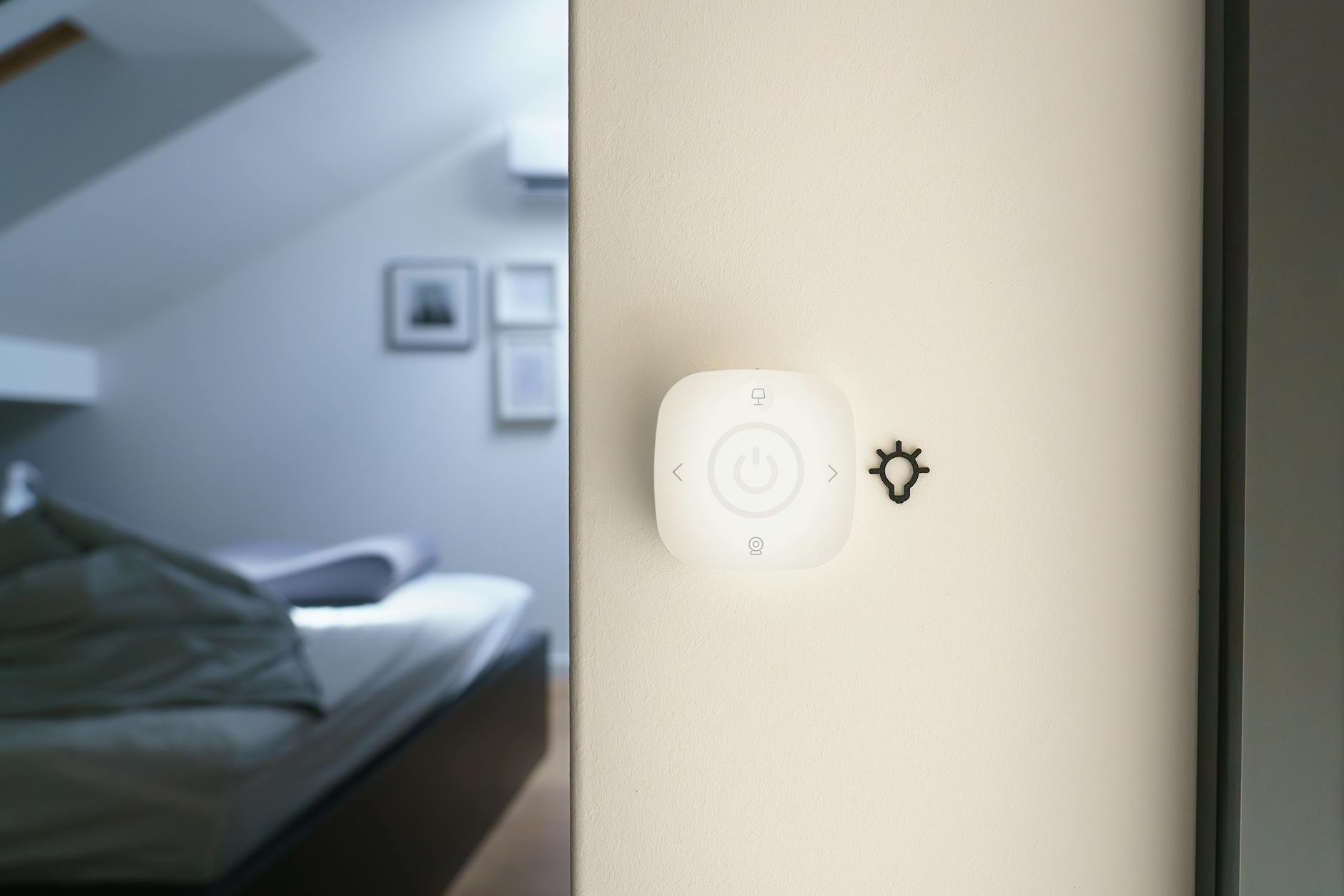
If you've opened your light switch box only to find two wires instead of three, you're not alone. This is one of the most common questions we see on r/smarthome: "Any good smart switches that don't require neutral?" The answer is yes—but your options are more limited, and understanding why will save you from expensive mistakes.
Homes built before the 1980s often lack neutral wires in switch boxes. This was standard practice at the time because traditional mechanical switches simply didn't need them. But smart switches are electronic devices that need constant power to maintain WiFi connections, listen for voice commands, and communicate with your smart home hub. That power has to come from somewhere—and without a neutral wire, the engineering gets complicated.
We've tested the leading no-neutral smart switches available in 2026 to give you a definitive answer. Here's what actually works, what to avoid, and how to choose the right solution for your home.
Why Most Smart Switches Need a Neutral Wire
Before diving into recommendations, let's quickly cover why this matters. A standard electrical circuit has:
- Line (hot) wire: Carries power from your breaker
- Load wire: Carries power to your light fixture
- Neutral wire: Completes the circuit back to the panel
- Ground wire: Safety protection
Traditional switches simply interrupt the line wire to turn lights on and off. But smart switches need power even when the light is "off" to keep their radios active. With a neutral wire, they draw a tiny amount of power without affecting the light. Without one, they have to "leak" power through the load wire—which can cause LED bulbs to flicker, glow dimly when off, or not work at all.
The Best No-Neutral Smart Switches of 2026
After extensive testing across multiple home types and bulb configurations, here are our top recommendations:
1. Lutron Caseta Dimmer Switch (PD-6WCL) — Best Overall
Price: $49.99 (requires Caseta Smart Bridge, $79.99)
Lutron has been solving the no-neutral problem longer than anyone else, and it shows. The Caseta system uses a proprietary protocol called Clear Connect that operates independently of your WiFi network. This means rock-solid reliability even in homes with spotty internet.
Pros:
- Works with virtually any LED bulb without flickering
- No neutral wire required
- Excellent reliability and range
- Works with Alexa, Google Assistant, Apple HomeKit, Ring, and more
- Available in multiple colors and styles
- Geofencing and scheduling built into the app
Cons:
- Requires the Caseta Smart Bridge (one-time $79.99 purchase)
- More expensive than WiFi-only alternatives
- Proprietary protocol means it won't integrate with Z-Wave or Zigbee systems
Bottom line: If you want something that just works without capacitor hacks or bulb compatibility headaches, Caseta is worth the investment. The upfront cost of the bridge pays for itself in reliability.
2. Aqara Smart Light Switch (No Neutral) — Best Budget Option
Price: $24.99 (requires Aqara Hub M2, $59.99)
Aqara's Zigbee-based switches have become the go-to recommendation for Home Assistant users and budget-conscious smart home builders. The no-neutral version uses a small capacitor (included in the box) that installs at the light fixture to prevent LED flickering.
Pros:
- Excellent price point
- Zigbee 3.0 protocol for mesh networking
- Works with Home Assistant, Alexa, Google Assistant, Apple HomeKit
- Compact design fits in crowded boxes
- Also available in double-rocker configurations
Cons:
- Requires the capacitor installation at the fixture
- Some LED bulbs may still flicker despite the capacitor
- Requires Aqara Hub for full functionality
- Build quality isn't quite as robust as Lutron
Bottom line: The best value for tinkerers and Home Assistant users. Just be prepared to install the capacitor at your light fixture.
3. Inovelli Blue Series Smart Switch — Best for Home Assistant
Price: $39.99
Inovelli has built a cult following among smart home enthusiasts for good reason. Their Blue Series switches offer advanced features that power users love, including scene control, LED notification bars, and extensive parameter customization.
Pros:
- Zigbee 3.0 with excellent range
- Built-in scene control (up to 7 scenes per switch via tap patterns)
- Configurable LED bar for notifications and status
- No neutral wire required (with compatible bulbs)
- Works with Home Assistant, Hubitat, SmartThings
- Regular firmware updates
Cons:
- Requires compatible bulbs (check their compatibility list)
- More complex setup for beginners
- Often out of stock due to high demand
Bottom line: If you're running Home Assistant and want maximum customization, Inovelli is unbeatable. The scene control alone justifies the price.
4. GE CYNC Smart Light Switch — Best No-Hub WiFi Option
Price: $22.99
For those who want to avoid hubs entirely, GE's CYNC line offers WiFi-connected switches that work without neutral wires. They connect directly to your 2.4GHz WiFi network.
Pros:
- No hub required—connects directly to WiFi
- Very affordable
- Works with Alexa and Google Assistant
- Available in paddle or button styles
- Simple app-based setup
Cons:
- Requires a "minimum load" of 15-25 watts (may not work with single LED bulbs)
- No HomeKit support
- WiFi dependency can affect reliability
- Cloud-based (requires internet for control)
Bottom line: Good for simple setups, but the minimum load requirement makes it unsuitable for low-wattage LED fixtures.
5. Leviton Decora Smart No-Neutral Dimmer — Best for Existing Decora Users
Price: $54.99 (requires Leviton Wi-Fi Bridge, $49.99)
Leviton's Decora line offers a no-neutral option that matches their standard Decora switch aesthetics. If you're already using Leviton devices or want consistency across your home, this is worth considering.
Pros:
- Matches standard Decora switch plates
- Excellent build quality
- Works with Alexa, Google Assistant
- Local API available for advanced users
Cons:
- Requires the Leviton Wi-Fi Bridge
- More expensive than Aqara or CYNC
- No HomeKit support
What About Smart Bulbs Instead?
A common suggestion on Reddit is to skip smart switches entirely and use smart bulbs instead. This can work, but consider these limitations:
Smart bulbs require constant power. If someone flips the wall switch off, you lose all smart functionality. You can use switch covers or "smart switches set to smart bulb mode," but these add complexity.
Cost scales poorly. A smart switch controls multiple bulbs. Replacing four recessed cans with smart bulbs costs $60-80; a smart switch costs $25-50.
Group control is easier with switches. Controlling multiple bulbs as one unit is simpler with a switch than creating bulb groups in apps.
That said, if you want color-changing capabilities, smart bulbs are your only option. In that case, consider a battery-powered smart switch (like the Lutron Aurora or Philips Hue Dimmer) mounted over your existing switch.
Installation Tips for No-Neutral Switches
1. Identify Your Wiring First
Before buying anything, verify what wires you have:
- Turn off the breaker
- Remove the existing switch
- Look for a white wire bundle in the back of the box—this is your neutral
- If you only see black wires and a ground, you have no neutral
2. Check Your Bulbs
No-neutral switches work best with certain LED bulbs. Lutron maintains an excellent compatibility tool on their website. For other brands, look for bulbs labeled as "dimmable" with a wide dimming range (10-100%).
3. Install the Capacitor (If Required)
Switches like the Aqara include a small cylindrical capacitor that installs between the line and neutral at the light fixture. This provides a path for the small amount of power the switch needs without causing flickering. Installation requires accessing your light fixture, not just the switch.
4. Test Before Finalizing
After wiring but before screwing everything back in, restore power and test:
- Does the switch respond to app commands?
- Do the bulbs flicker at any brightness level?
- Do the bulbs glow when "off"?
If you see flickering or ghosting, you may need different bulbs or a capacitor adjustment.
Common Problems and Solutions
Problem: LED Bulbs Flicker
Solution: Try different bulbs. Look for "dimmable" LEDs specifically designed for electronic dimmers. Avoid the cheapest bulbs—they often lack proper dimming circuitry.
Problem: Bulbs Glow When Switch Is Off
Solution: This "ghosting" happens when the switch leaks power through the load wire. Install the included capacitor at the light fixture, or try lower-wattage bulbs.
Problem: Switch Doesn't Work at All
Solution: Verify you have the correct wires identified. In some older homes, wire colors don't follow modern conventions. Use a non-contact voltage tester to identify line vs. load.
The Verdict: Which Should You Choose?
| If You... | Choose |
|---|---|
| Want maximum reliability with minimal fuss | Lutron Caseta |
| Use Home Assistant and want customization | Inovelli Blue Series |
| Need the most affordable option | Aqara |
| Want to avoid hubs entirely | GE CYNC |
| Already use Leviton switches | Leviton Decora Smart |
Final Thoughts
The lack of a neutral wire doesn't mean you can't enjoy smart lighting—it just means you need to be more selective. Lutron Caseta remains the gold standard for reliability, but Aqara and Inovelli offer compelling alternatives for the budget-conscious and tech-savvy respectively.
If you're planning a whole-home installation, standardizing on one ecosystem will save you headaches later. Mixing protocols (WiFi, Zigbee, Z-Wave, proprietary) works, but it complicates troubleshooting and increases points of failure.
One final tip from our testing: always buy one switch to test before committing to a full-house order. Every home's wiring is slightly different, and what works perfectly in one room may flicker in another. Better to discover this with a $25 switch than a $500 whole-home order.
Have questions about your specific setup? Drop them in the comments—just include details about your existing bulbs and wiring setup for the most accurate advice.